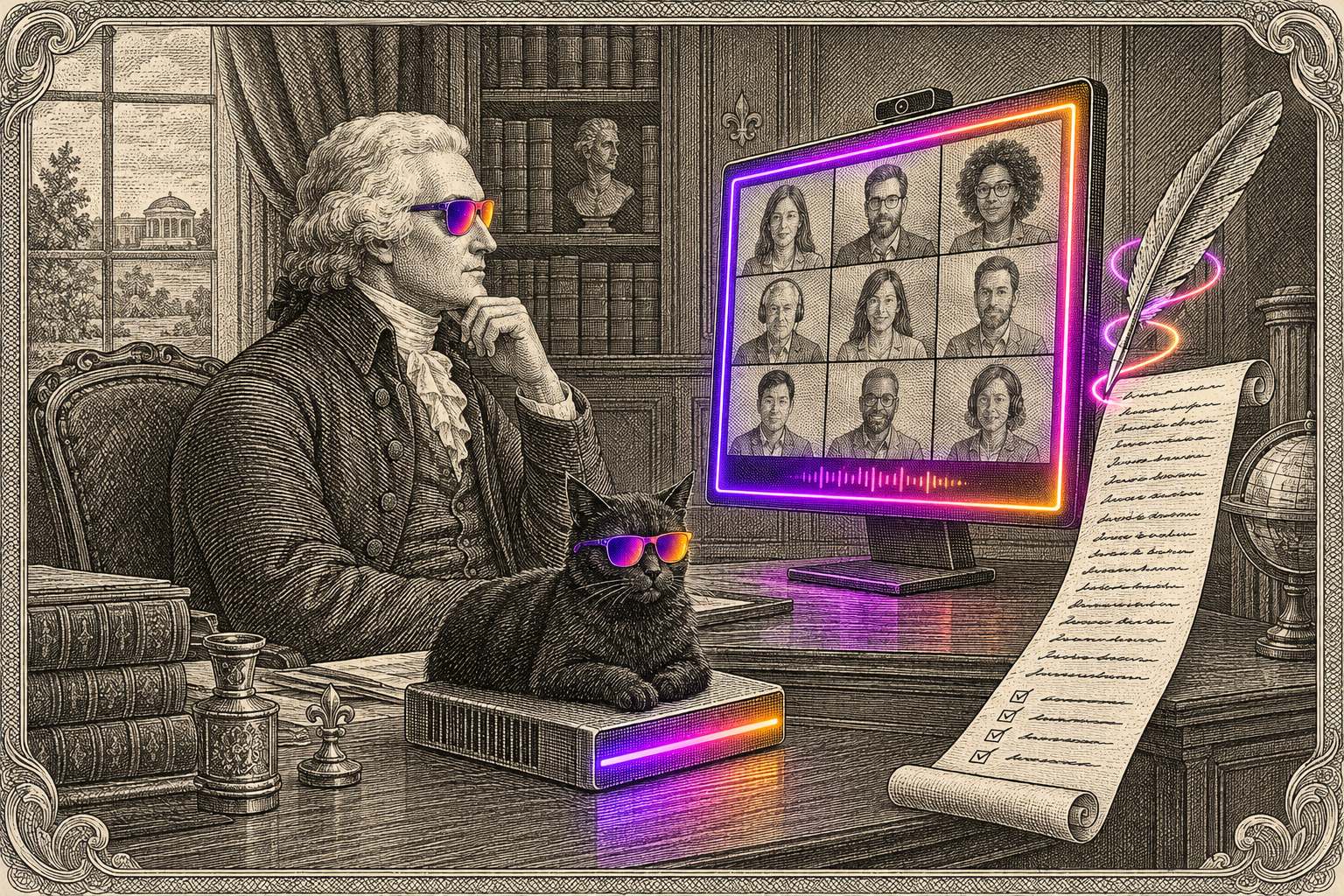
Your client calls are your book.
Renewal terms, claim details, what a client really thinks: it all gets said out loud. Most note-takers send every word to their own servers and keep it there. Jefferson Meetings keeps it with you.
Meet. Hang up. Ask.
However the call happens, the notes end up in the same place, and Jefferson knows what was said.
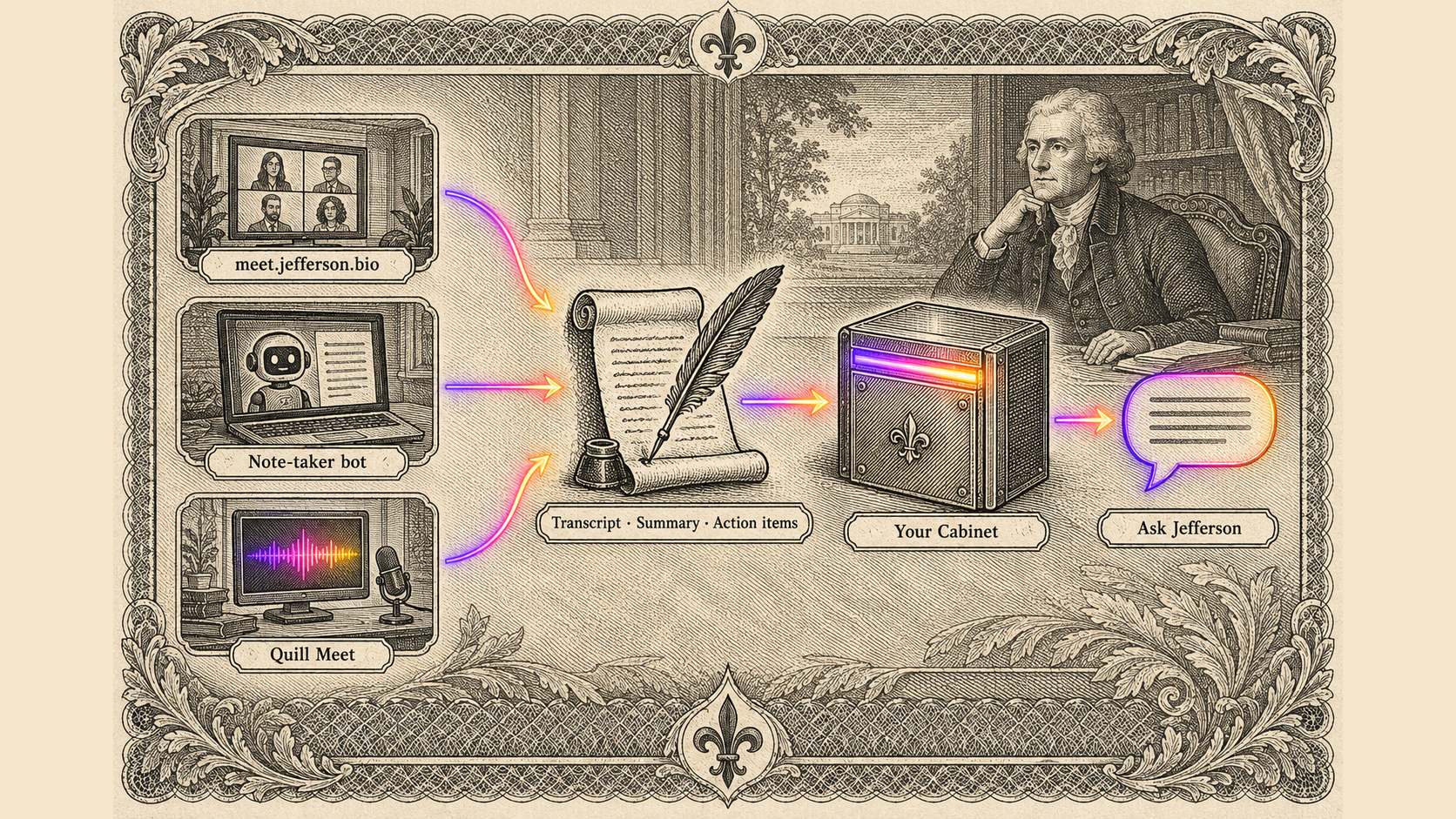
Your call, their call, or any call on your computer.
- Live captions while you talk
- One invite link; only your organisation can join
- An end-to-end encrypted option for calls that shouldn't be recorded at all
- Joins Zoom, Google Meet and Teams calls
- Runs on our servers, not a third-party bot service
- The notes land in Jefferson the same way
- Private mode transcribes on your own computer; the audio never leaves it
- Asks you to confirm you've told everyone first
- Mac today · Windows Coming soon
Hang up. The follow-up is already written.
- Summary.A short account of what was discussed.
- Decisions.What was agreed, in one list.
- Action items.Who agreed to do what, with a due date when one was said.
- Transcript.Every line, with the time and who said it.
"What did we decide in the Acme renewal meeting?"
"What are my action items from today's meetings?"
It stays with us. Only your people see it.
Kept close.
- On our servers.Audio and transcripts stay on InsurEco's own infrastructure.
- The AI keeps nothing.Summaries are written by an AI model under zero data retention.
- Audio gone in 30 days.Recordings delete themselves. The notes stay so Jefferson can remember.
Your people only.
- The meeting's people.The host, everyone who joined, and your organisation. Nobody outside it.
- Secrets scrubbed.Passwords and card numbers said out loud are removed before anything is stored.
- Truly private rooms.End-to-end encrypted meetings aren't recorded or transcribed at all.
Keep it. Jefferson reads both.
Nothing changes for Fireflies users. Your Fireflies meetings keep flowing into Jefferson, side by side with Jefferson Meetings. Try Jefferson's room on your next call and move over when you're ready.
What's said in the meeting stays with the agency.Your conversations are kept on our servers, seen only by the meeting's people and your organisation, and remembered by Jefferson for you.
For the person who's going to ask.
Do I have to stop using Fireflies?
No. Fireflies meetings keep flowing into Jefferson, side by side with Jefferson Meetings, under the same rule for who can see them.
Will everyone know they're being recorded?
In Jefferson's room, everyone sees a recording notice before they join and chooses to be recorded or to listen only. Quill Meet asks you to confirm you've told everyone before it starts. Recording rules differ by place, so check what applies to you and your clients.
Who can see my meetings?
The person who started the meeting, the people who joined, and your organisation. Nobody outside your organisation can see it.
How long are recordings kept?
Audio is deleted automatically 30 days after the meeting. The transcript, summary and action items are kept so Jefferson can remember them.
Does Quill Meet work on Windows?
Quill Meet runs on Mac today. Windows is coming soon. Get it at quill.askjefferson.com.
Let your next meeting take its own notes.
Open Jefferson, start a room, and send the link. When you hang up, ask him what you agreed.